
GPT Image 2.6 on varg
OpenAI released GPT Image 2.6 on 2026-11-04: animated GIF output, two API models (Flare and Sunburst)
that "generate images 50% faster than before", image markup, SVG export and a complexity control
(@OpenAIDevs,
@OpenAI). The token price is the same as 2.5: $30 per
million image output tokens, $8 per million image input tokens, $5 per million text input tokens
(@dotey). On varg it is gpt_image_2_6, live since
2026-11-04.
On the LMArena boards on launch night, Sunburst (medium) was #2 in text-to-image (1409) and #3 in image edit (1476); Flare (medium) was #4 (1384) and #5 (1462) (@arena).
This skill is the model guide. The other four skills in the set:
| Skill | For |
|---|---|
| gpt-image-gif | A still, mascot, logo or prompt → a looping GIF; the sprite-sheet pixel budget; GIF → WebP/MP4 |
| gpt-image-sticker-pack | A photo or character → 6-8 animated stickers for Telegram, WhatsApp, LINE, WeChat, Discord, Slack |
| gpt-image-sprite-sheet | Game sprite sheets → frames, GIF and a JSON atlas for Phaser or Godot |
| gpt-image-markup-edit | Circles, arrows and notes on a transparent layer → an edit that touches only the marked places |
1. Flare or Sunburst
| Flare (default) | Sunburst | |
|---|---|---|
model |
gpt_image_2_6 (text only → fal:openai/gpt-image-2.6/flare/text-to-image; with files → .../flare/edit) |
pin fal:openai/gpt-image-2.6/sunburst/text-to-image or fal:openai/gpt-image-2.6/sunburst/edit |
| Time | ~10 s (measured 2026-11-05 on varg) | ~49 s (measured 2026-11-05 on varg) |
| Price | same as Sunburst | same as Flare |
| OpenAI says | "Flare also improves layout quality for posters, product imagery, and other professional visuals" (OpenAI blog, quoted by @TheRealAdamG) | "At medium or high quality, Sunburst keeps details more consistent from one edit to the next" (@OpenAIDevs) |
| Use it for | Drafts, posters, product shots, most stills, GIFs | A chain of edits on one image; the final pass of a dense layout once Flare has the layout right |
Flare is the default. Pin Sunburst only when you will edit the same image again and again. Edits take up to 16 reference images (fal: "A maximum of 16 images are allowed").
2. quality and reasoning_effort are two different dials
quality(low,medium,high,auto; varg defaulthigh) sets render detail and price.reasoning_effort(low,medium,high) is how long the model plans before drawing; OpenAI calls it complexity. OpenAI: "Lower complexity can suit focused edits, such as changing a background or a sign. Higher complexity can help with dense text, complex layouts, and relationships between objects" (OpenAI image guide). fal: "Higher settings increase detail, latency, and token usage."xhighandmaxare in the schema, but fal rejected both (measured 2026-11-05 on varg). We did not measure whether effort changes the varg price.
| Job | quality | reasoning_effort |
|---|---|---|
| Draft, layout test | low (3 credits) |
low |
| Poster, product shot, postcard | high |
medium |
| Infographic, storyboard, character sheet (many labels) | high |
high |
| One focused edit (swap a sign, a background) | high |
low (OpenAI's advice for edits, @OpenAIDevs) |
Both go in provider_options.fal.
3. Sizes and aspect ratios
aspect_ratio |
fal preset | Size we got |
|---|---|---|
4:3 (default) |
landscape_4_3 | 1024×768 |
1:1 |
square_hd | 1024×1024 |
3:4 |
portrait_4_3 | 768×1024 |
16:9 |
landscape_16_9 (1024×576) | 1088×608 |
9:16 |
portrait_16_9 | not measured |
Sizes from our 2026-11-05 outputs on varg. 16:9 came back as 1088×608, likely because 1024×576
(589,824 px) is under the 655,360 px floor. For any other size, pass
provider_options.fal.image_size: {"width": W, "height": H}: both sides multiples of 16, longest edge
≤ 3840, total 655,360-8,294,400 px (fal schema). Bigger images cost more: fal billed 10.7¢ for one
2048×2048 high image (measured 2026-11-05), so price it with POST /v2/estimate before you go above
1024. In ChatGPT a 16:9 GIF request came back square for
@joseamijares; in the API, always set the
size yourself.
4. What works and what fal rejects
| Option | Status (measured 2026-11-05 on varg unless noted) |
|---|---|
output_format: png, jpeg, webp |
works |
output_format: "gif" |
works on text-to-image and edit; 2-16 frames; see gpt-image-gif |
output_format: "svg" |
in the schema, but fal rejected every SVG prompt at launch. For vector logos use ideogram_vector (varg-ai models list) |
reasoning_effort: xhigh, max |
in the schema, rejected. Use high |
frame_count above 16 |
schema allows 64, rejected |
GIF with aspect_ratio: "1:1" (1024×1024 frames) |
rejected for every frame count we tried (6, 8, 9, 12): the sprite sheet would pass 3840 px or the pixel budget |
background: "transparent" |
works for PNG, WebP and GIF (our GIF stickers came back 54-62% transparent pixels) |
markup_image_url |
works on the edit route; see gpt-image-markup-edit |
markup_image_url together with mask_url |
not allowed (fal docs) |
num_images 1-10 |
for GIFs, "all frames of all outputs share the request's pixel budget" (fal) |
Every PNG and GIF the model returned in our tests carried a C2PA content-credentials block (17 files, checked 2026-11-05). None of the files made by this set's scripts kept it (checked the same day); keep the original if you need the provenance.
5. Prices (measured 2026-11-05 on varg)
| Request | varg credits | fal billed varg |
|---|---|---|
1 image, quality: low |
3 | 2.50¢ (1024²) |
1 image, quality: medium |
5 | 4.37¢ (1024²) |
1 image, quality: high (default) |
6 | 5.30¢ (1024²), 3.64¢ (1024×768) |
| Edit | the above + 1 per reference image | |
| GIF | the same as one image at that quality: 6-7 at high (7 on the edit route with one reference), 3 at low (12 frames of 768²) | 4.78¢ (9 frames, high) |
| 2048×2048, high | estimate first | 10.7¢ |
| Failed job | 0 |
Check any request before you run it: POST https://api.varg.ai/v2/estimate with the same body, or
estimate_cost on the MCP. Follow the spend rules in the varg-ai skill (a cap, approved models,
estimate before every paid call).
6. The calls
MCP (https://mcp.varg.ai/mcp, OAuth, no key):
call_tool({
  "tool": "image",
  "input": {
    "model": "gpt_image_2_6",
    "prompt": "…",
    "aspect_ratio": "3:4",
    "provider_options": {"fal": {"quality": "high", "reasoning_effort": "medium"}}
  },
  "wait": true
})
It returns url, job_id and cost_credits. An edit adds "files": [{"url": "https://s3.varg.ai/…"}]
to input. To use a local file, upload it first: create_upload({"media_type": "image/png", "size": <bytes>}), then curl -X PUT -H "Content-Type: application/octet-stream" --data-binary @photo.png "https://api.varg.ai$PROXY_URL" with the proxy_url it returned; the answer has the file's
public_url.
REST (needs $VARG_API_KEY, see the varg-ai skill):
# upload a local image -> {"url": "https://s3.varg.ai/...", ...}
curl -s -X POST https://api.varg.ai/v2/files -H "Authorization: Bearer $VARG_API_KEY" \
  -H "Content-Type: image/png" --data-binary @photo.png

# text to image (Flare)
curl -s -X POST https://api.varg.ai/v2/image -H "Authorization: Bearer $VARG_API_KEY" \
  -H "Content-Type: application/json" -d '{
  "model": "gpt_image_2_6",
  "prompt": "…",
  "aspect_ratio": "3:4",
  "provider_options": {"fal": {"quality": "high", "reasoning_effort": "medium"}}
}'

# edit on Sunburst, custom size
curl -s -X POST https://api.varg.ai/v2/image -H "Authorization: Bearer $VARG_API_KEY" \
  -H "Content-Type: application/json" -d '{
  "model": "fal:openai/gpt-image-2.6/sunburst/edit",
  "prompt": "…",
  "files": [{"url": "https://s3.varg.ai/files/…/photo.png"}],
  "provider_options": {"fal": {"quality": "high", "image_size": {"width": 1536, "height": 864}}}
}'

# each image call answers 202 with {"id": "job_…"}; poll until "completed"; the image is output.outputs[0].url
curl -s https://api.varg.ai/v2/jobs/JOB_ID -H "Authorization: Bearer $VARG_API_KEY"
Model spec with every option: https://varg.ai/models/gpt_image_2_6.md. JSON schema (no key): https://api.varg.ai/v2/tools/image?model=gpt_image_2_6.
7. Prompting text-heavy layouts
What the recipes below have in common:
- Put every word that must appear in quotes, and keep each one short ("Bright citrus", not a sentence).
- Name the layout before the content: "3×2 grid", "top 75% / bottom 25%", "sidebar on the left".
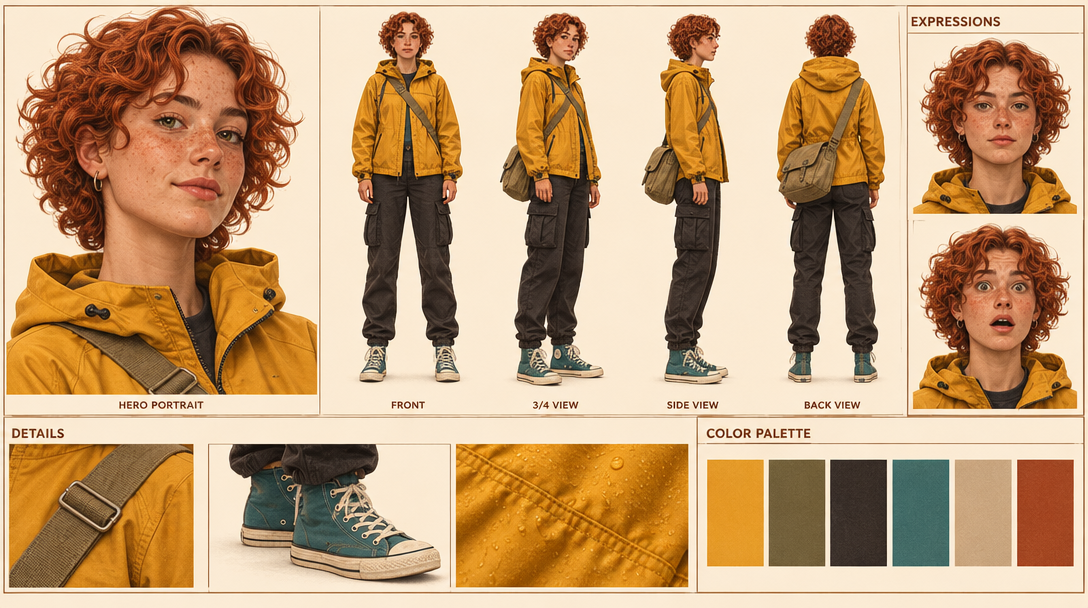
- Name the label words you want ("FRONT, 3/4 VIEW, SIDE VIEW…") and say "minimal clean labels".
- End with what to leave out ("no other text", "no logos", "no photorealistic background").
- For dense pages use
reasoning_effort: "high"; for a photo restylemediumis enough. - Read every word in the output before you use it. Fix one wrong word with a markup edit (gpt-image-markup-edit), not a full regeneration.
8. Recipes
Full prompt templates, settings and notes: references/recipes.md. Most community
prompts were written for GPT Image 2.5; our examples show each one on 2.6. Examples were made on varg
on 2026-11-04/05 with gpt_image_2_6.
| Recipe | Prompt by | Our example | Settings |
|---|---|---|---|
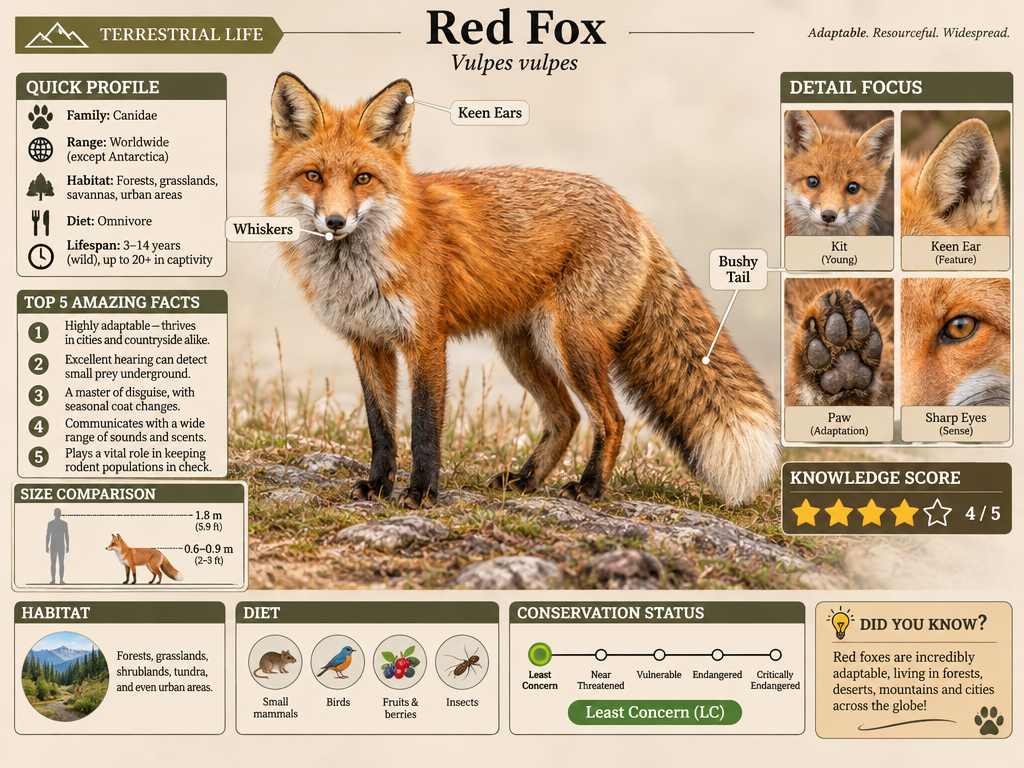
| Infographic (field-guide page) | @iamsofiaijaz | Red Fox | 4:3, high, effort high |
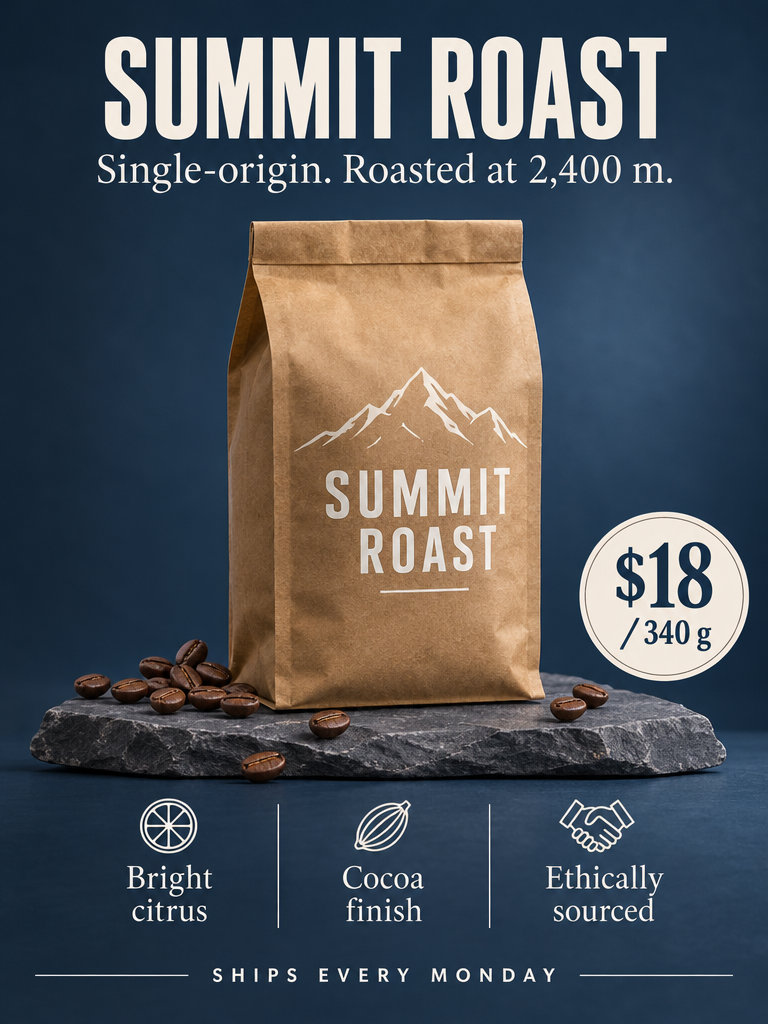
| Product launch poster | varg (written for this skill) | SUMMIT ROAST (fictional brand) | 3:4, high |
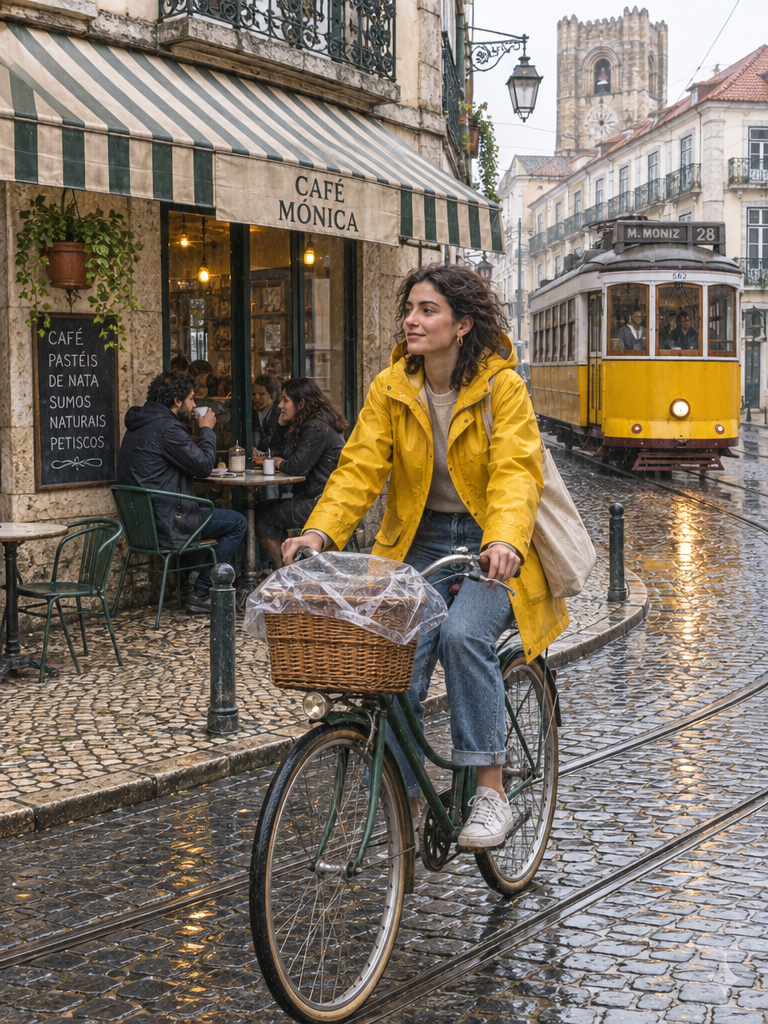
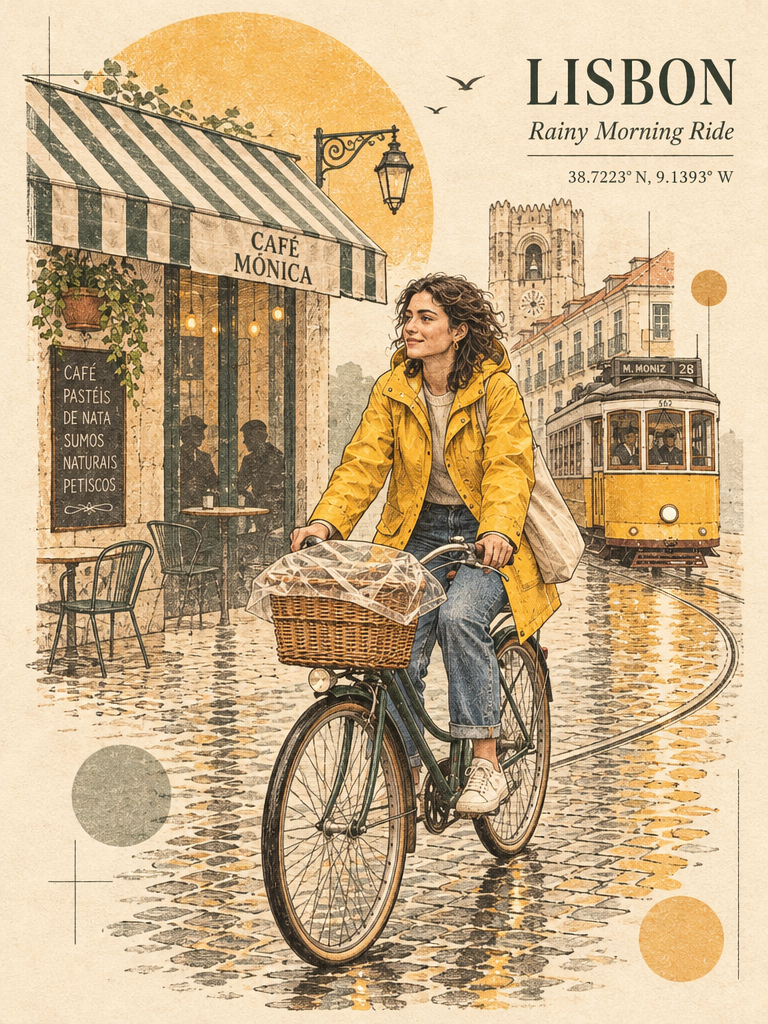
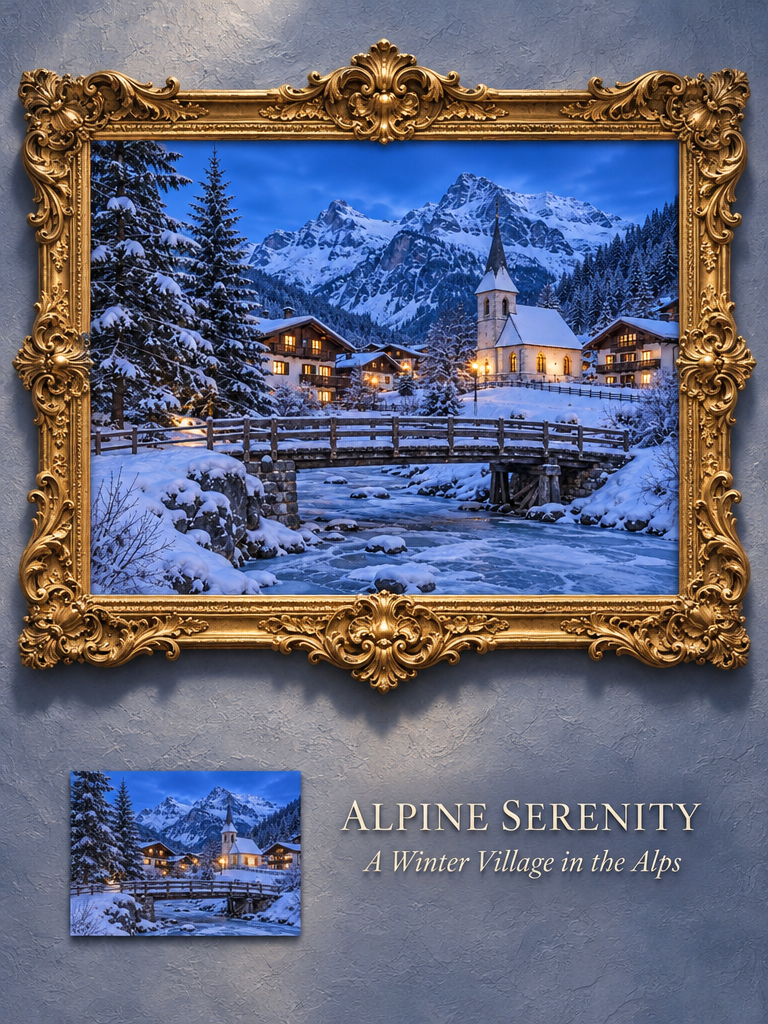
| Photo → editorial travel print | @Naiknelofar788 | photo → LISBON print | edit, 3:4 |
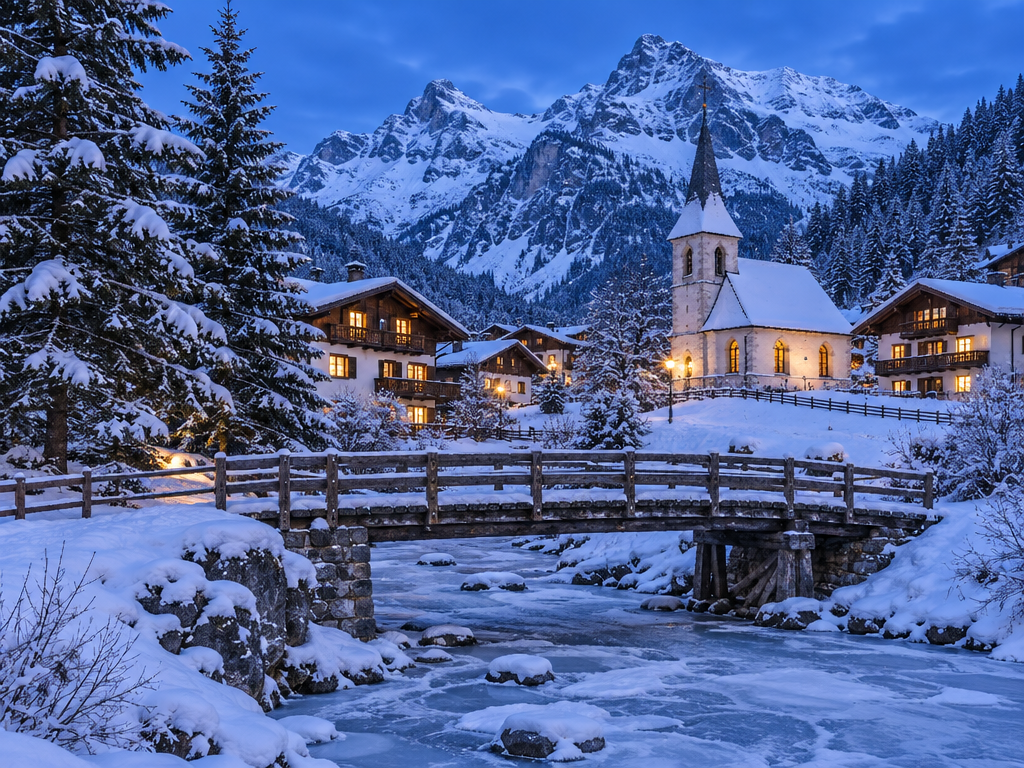
| Photo → Baroque gallery poster | @Goodmanprotocol | photo → poster | edit, 3:4 |
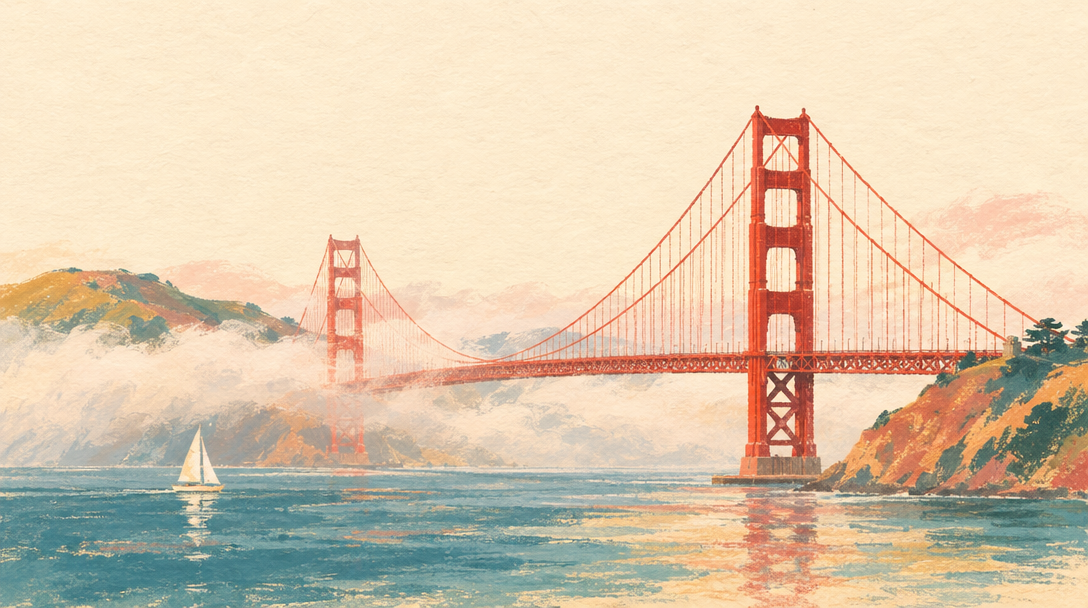
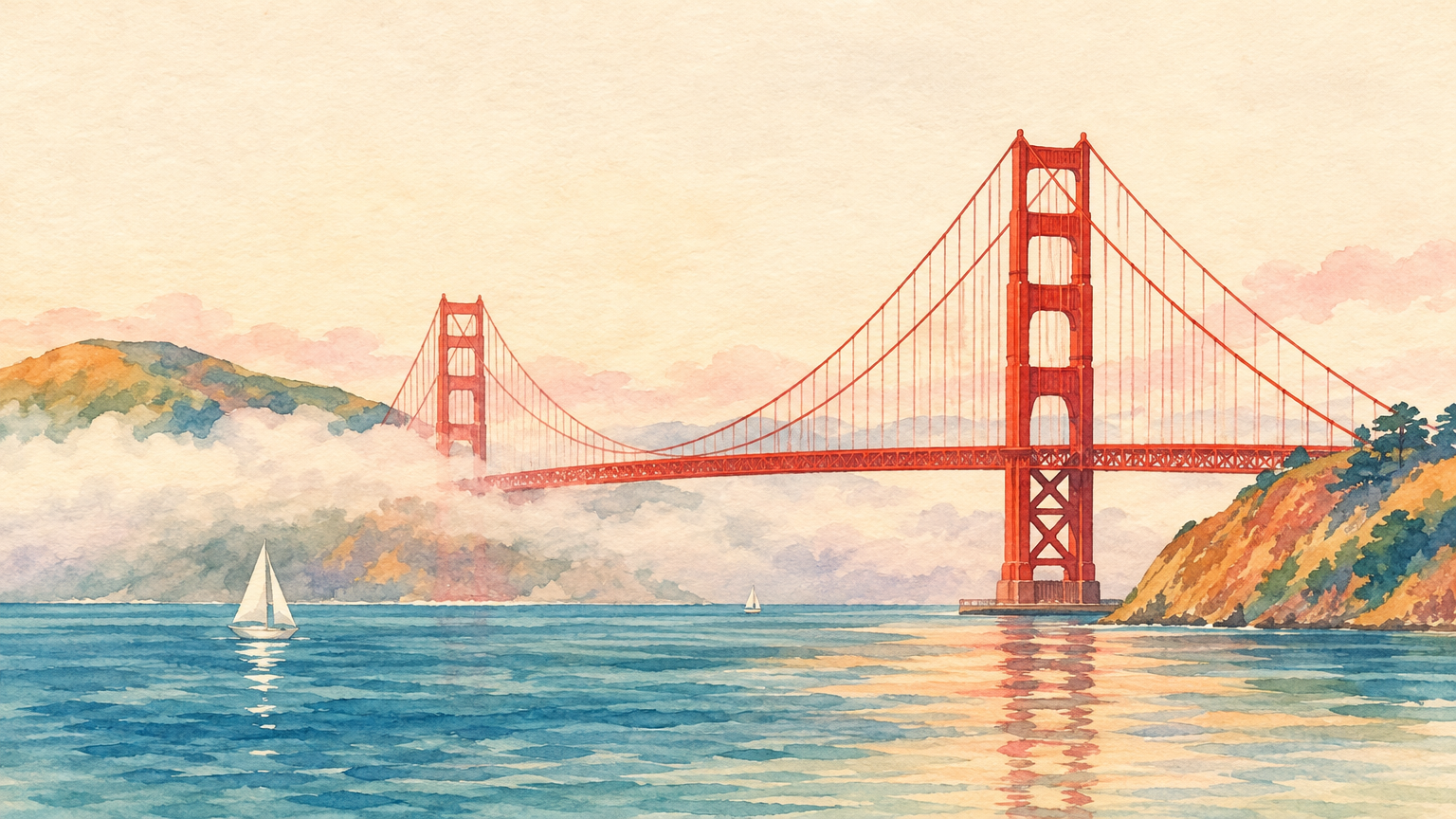
| Landmark postcard | @Maercihh | bridge in fog | 16:9, high |
| Character turnaround sheet | @EvoLinkAi | Mara | 16:9, high, effort high |
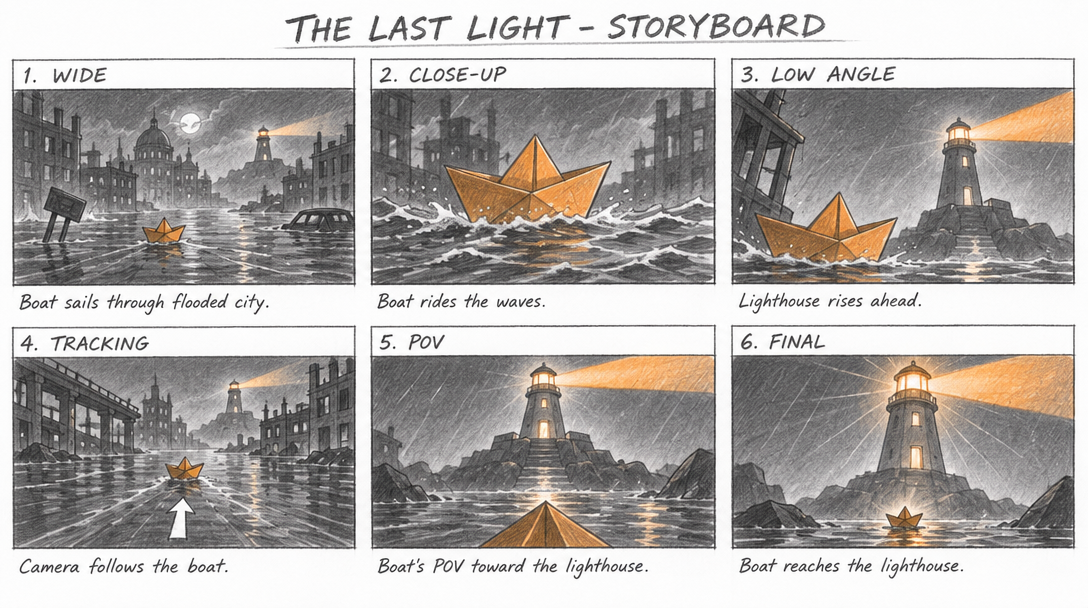
| Storyboard sheet | varg, idea by @EHuanglu | THE LAST LIGHT | 16:9, high, effort high |
| Low-res → clean upscale | @k_matsumaru | 272×152 noisy → 1536×864 | edit, image_size 1536×864 |
9. Failure → fix
| What you see | Fix |
|---|---|
| A face changes from the second edit on; saturation drifts (@k_matsumaru); edit wear shows from about the third edit (@NeneneAI) | Edit from the original each time, put all changes in one pass (markup helps). Measured on a face (2026-11-05): five chained edits fell from 0.74 to 0.48 face similarity on Flare and from 0.73 to 0.29 on Sunburst with reasoning_effort: low; fresh calls from the character sheet averaged 0.77. Pinning Sunburst did not cure the chain: character-passport/references/gpt-image.md |
| Sepia wash, muddy noise (@PJaccetturo) | Not fixed by a setting we know of. Compare with nano_banana_2_1 for that shot |
| "Pretty doll faces", a 2015 Tumblr look next to Nano Banana's camera-roll realism (@flowersslop) | For casual phone-photo realism use nano_banana_2_1 |
| Pencil and other media looks are cleaner but less like the medium than 2.5 (@munou_ac) | Try gpt_image_2_5 for hand-made texture |
| Pixel art fails (@Angaisb_) | Ask for flat cartoon art and pixelate it yourself, or use another model |
| A misspelled or extra word | Shorter quoted text, reasoning_effort: "high", then fix single words with a markup edit |
SVG, xhigh, max, more than 16 frames, square 1024 GIF frames |
Rejected by fal (section 4) |
| A dance prompt blocked by output moderation (@KakiponzuX) | Reword the motion; a waving prompt passed in the same test |
Tested
Measured on varg on 2026-11-05: route times (Flare ~10 s, Sunburst ~49 s), the prices in section 5, the rejections in section 4, 16:9 at 1088×608, and every example linked above (made with this skill's recipes; we did not keep the exact filled-in prompts).
Related skills
gpt-image-gif, gpt-image-sticker-pack, gpt-image-sprite-sheet, gpt-image-markup-edit (this set);
varg-ai (setup, keys, every model and price); varg-character-design and character-passport
(character sheets for video); kling-4-prompting (stills as key frames for video).